Build your gauge.
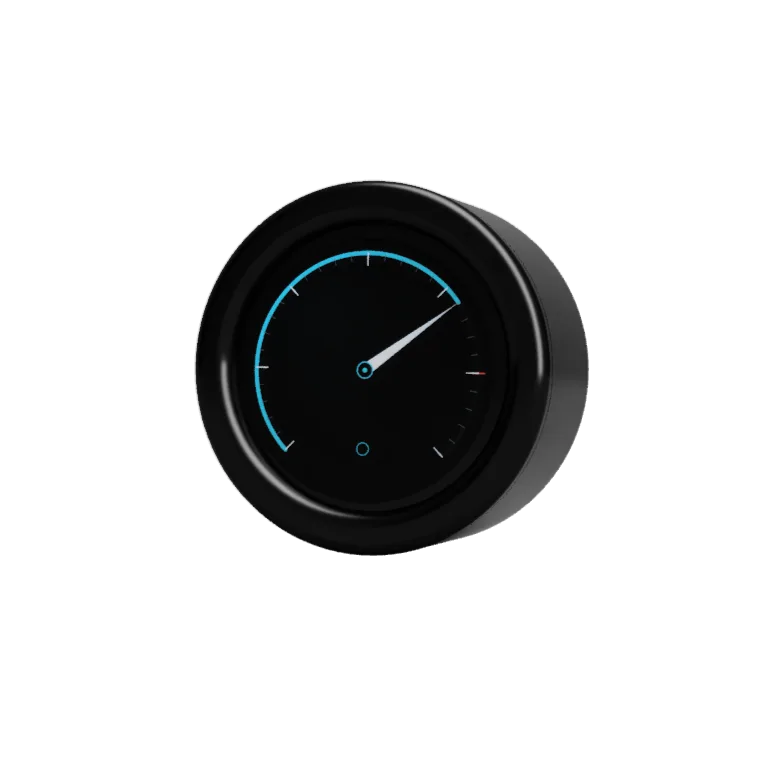
GaugeLab52 is the digital gauge you set up like an app, not like a fixed instrument. It reads your car's data from the OBD socket, adds your own sensors and shows it all on a dial you design.
Move the pointer over the dial
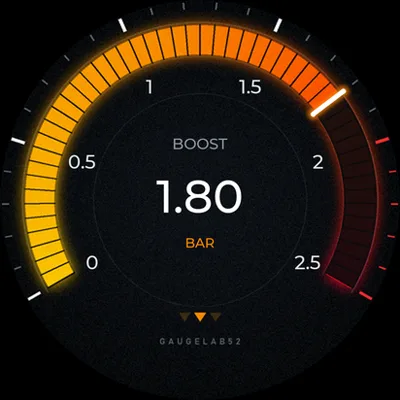
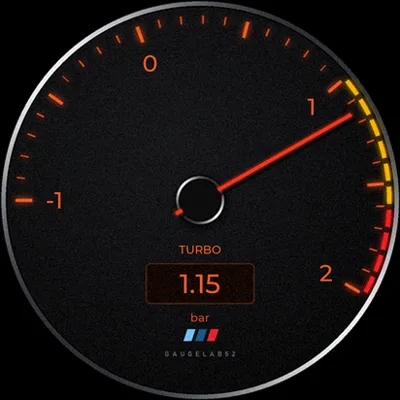
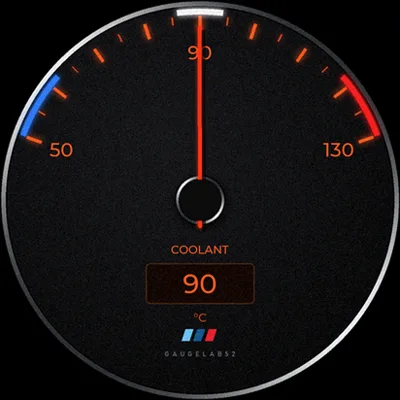
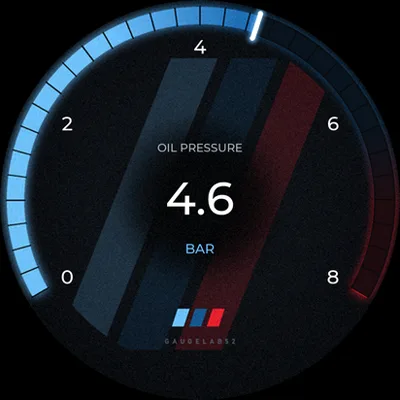
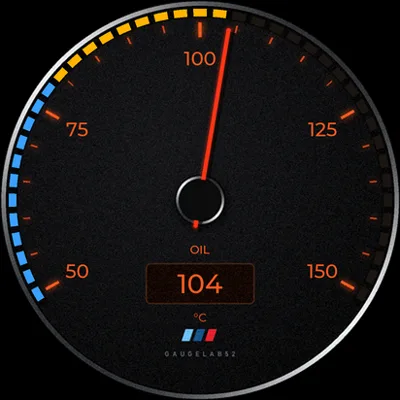
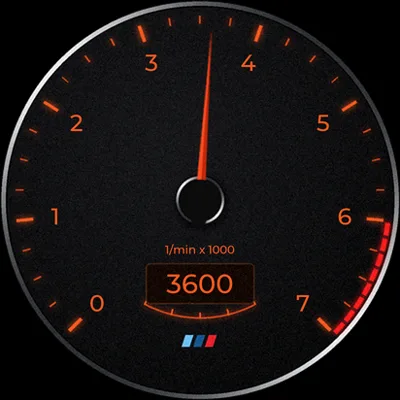
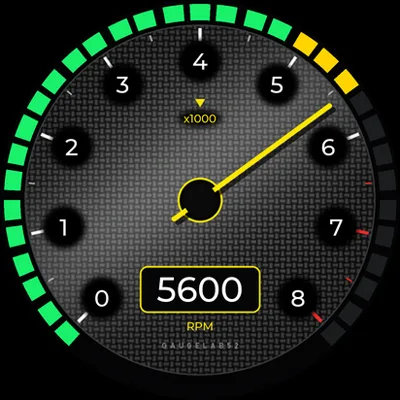
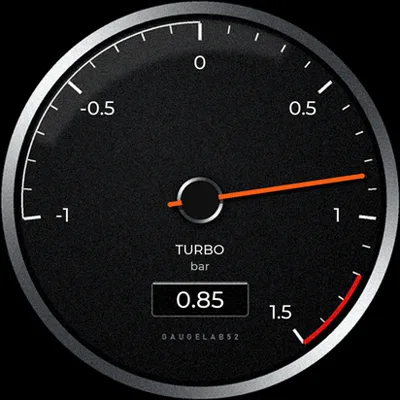
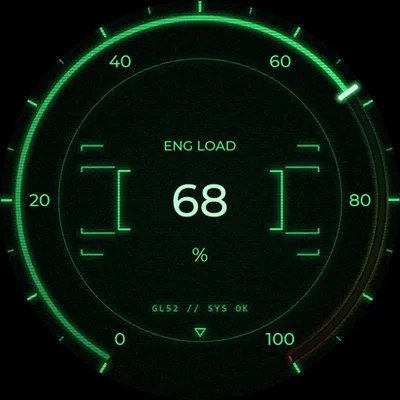
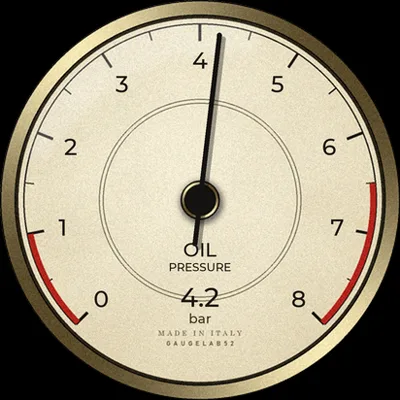
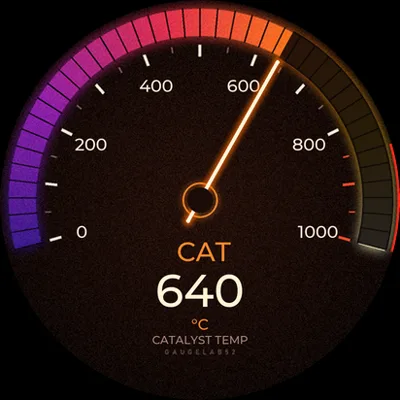
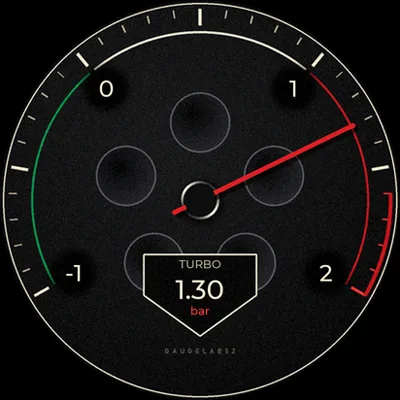
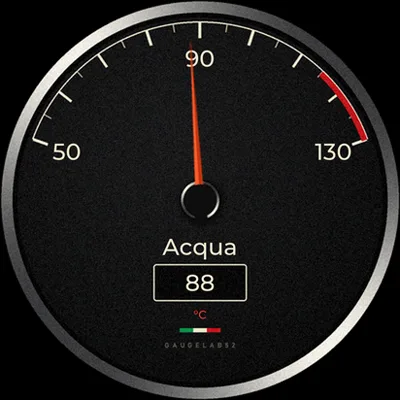
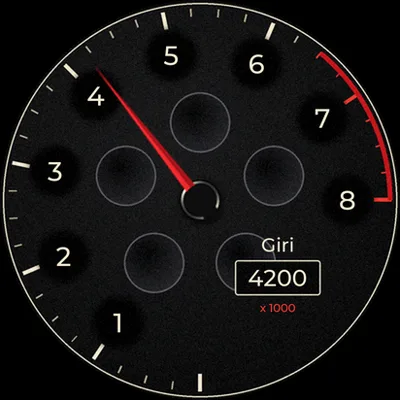
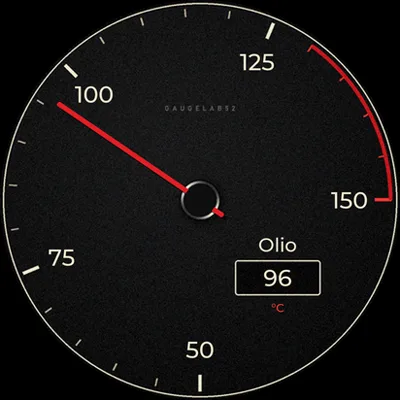
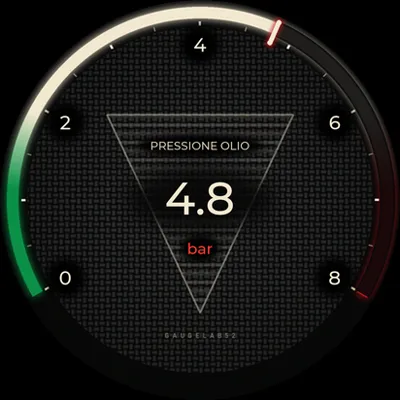
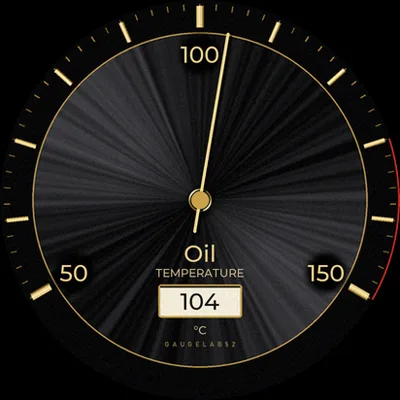
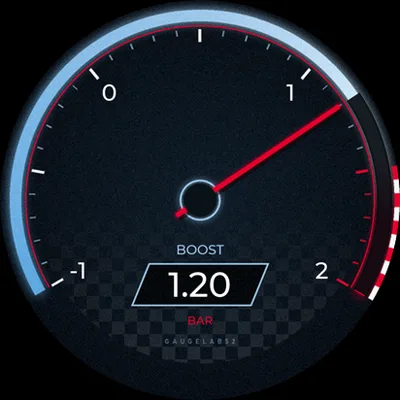
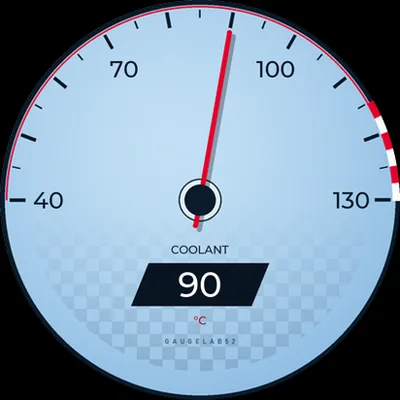
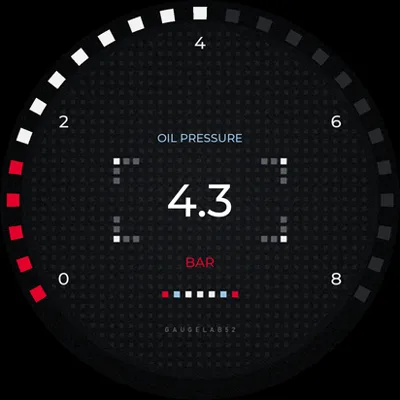
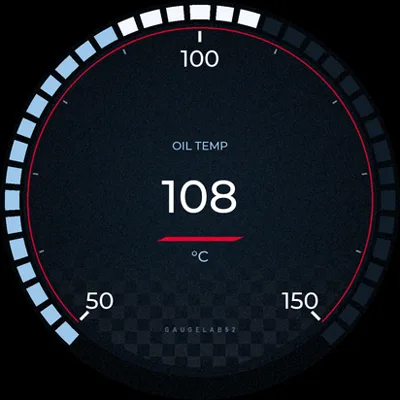
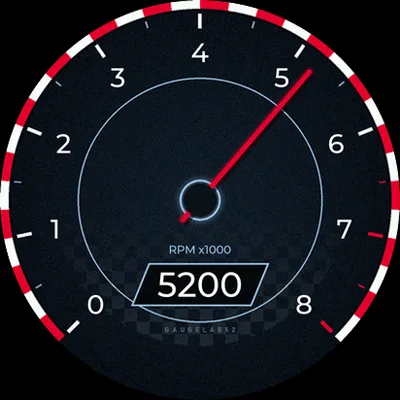
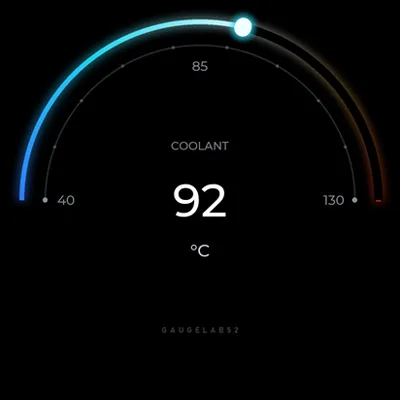
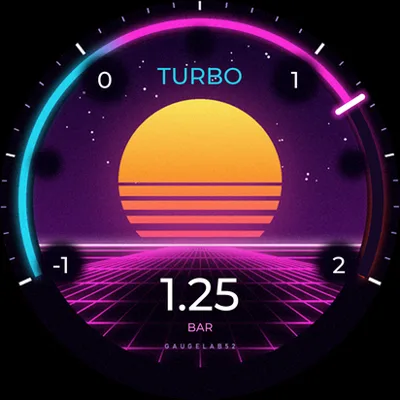
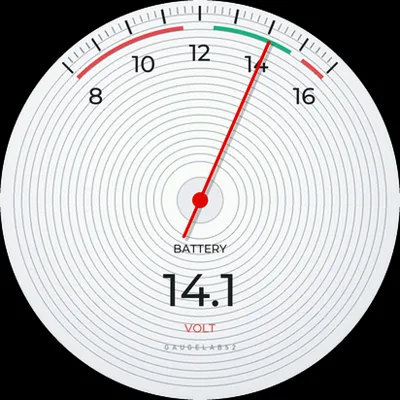
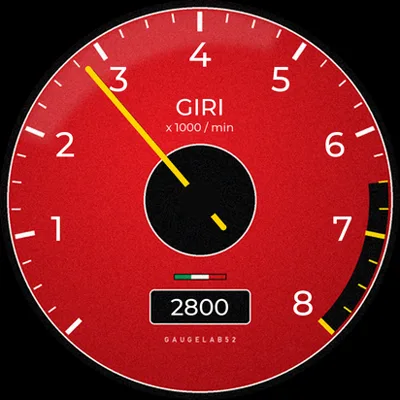
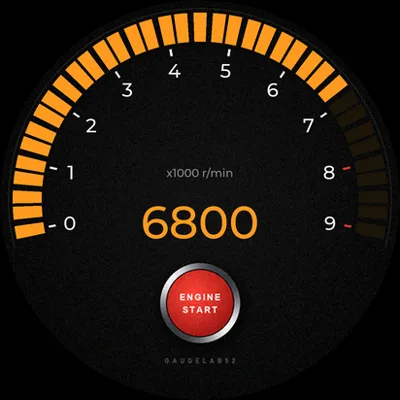
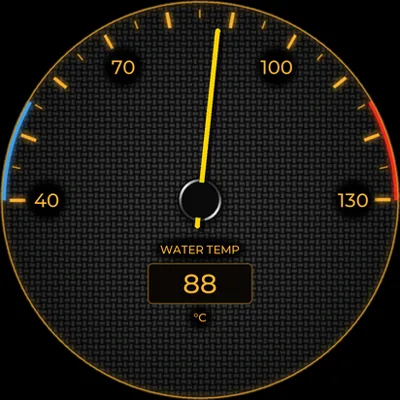
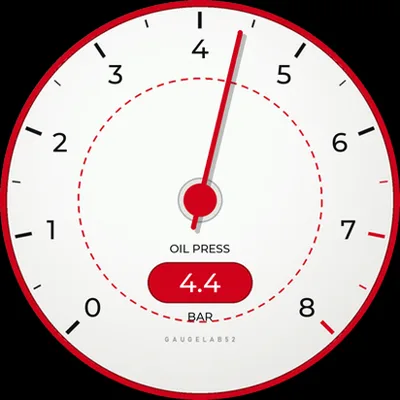
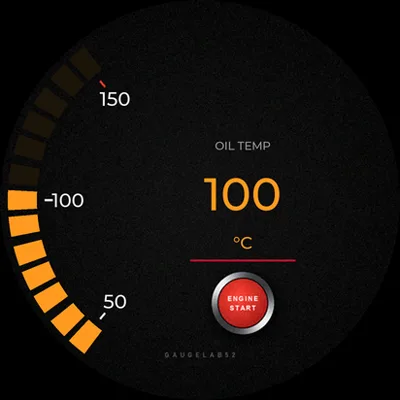
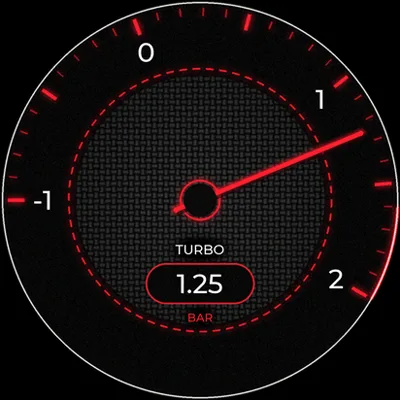
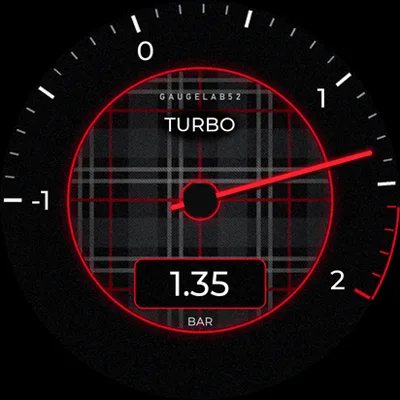
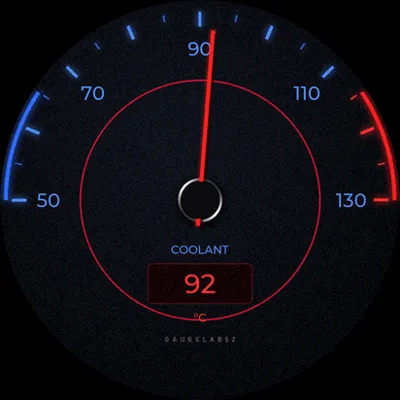
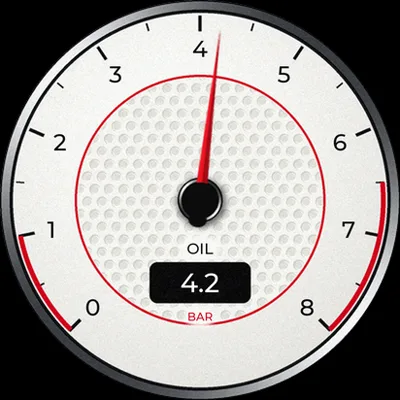
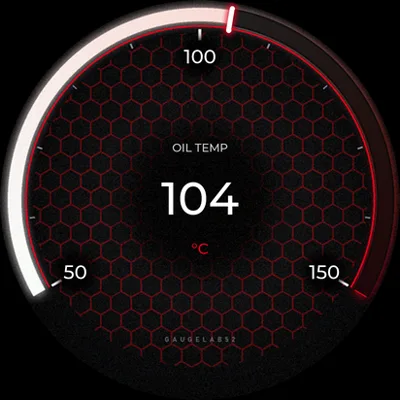
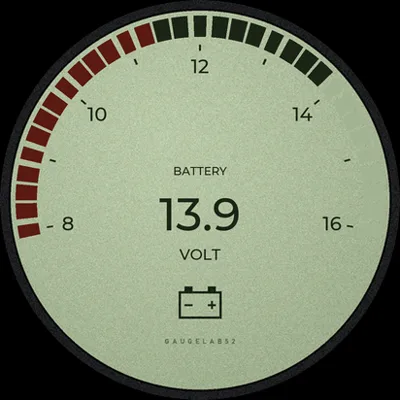
Not a gauge. A data platform.
Every feature exists for people who want more than one number on the dashboard, without filling it with separate instruments.
Reads your car from the OBD socket
RPM, temperatures, speed, pressures: the ECU's values come through the OBD cable, with no adapters to add.
4 inputs for 5 V sensors
True boost pressure, oil, fuel: wire in three-wire analog sensors and calibrate them on two real points, negative values included.
16 sensors, 6 screens
Each screen holds up to 4 dials, 8 texts, 4 bars and 4 images. Swipe through them on the display.
A dial designed by you
Style, scale, ticks, needle, content: build it in the app with a live preview and send it with one tap.
Alarms you cannot miss
Thresholds per sensor, full-screen flash, custom text and sound. Red only when it matters.
Profiles and library
Street, track, winter: save complete configurations, switch in seconds, export and share them.
G-Force screen
Lateral and longitudinal acceleration with a trace of the peaks, on a dedicated screen.
It wakes with the engine
No switch: it starts when you do and turns itself off. With the engine off the current draw is negligible.
Updates from your phone
Firmware arrives over Bluetooth from the app. If the transfer is interrupted, the previous version stays active.
Live, in the car
From an empty circle to your dial
Scroll: each editor category adds a piece.
- 01Style
Start from a preset gauge: pick the look with one tap.
- 02Scale
Unit, minimum and maximum, arc width and coloured zones.
- 03Ticks
Size, colours and numbers: labels land on round values.
- 04Needle
Shape, colour, glow. The test slider moves it right away.
- 05Content
Background, texts and logos: the live value wherever you want.
- 06Alarm
Thresholds, flash and text: it warns you when it really matters.
Create your gauge in six moves
The whole Gauge Studio editor in just over a minute. Tap a chapter to jump to the category you care about.
From the cable to the finished dial, in four steps
Plug in the OBD cable
A single 10-way connector carries power and vehicle data. No wire to run to the battery.
Add the sensors you want
Up to four 5 V analog sensors on the same connector, powered by the gauge.
Pair with the QR code
Scan the code shown on the display and the gauge is yours. You only do it once.
Design, send, drive
The dial lives on the gauge even without the phone: swipe between screens, alarms are always on.
Gauge Studio: four sections, everything within reach
The Android app you use to set up the gauge over Bluetooth. You can prepare your dials away from the car and send them when you get in.
Status
Live values of every sensor and shortcuts to everything else.
Gauge
The editor: screens, elements and the six coloured categories of every dial.
Profiles
Complete saved configurations and the library of your dials.
Sensors
Where each value comes from, calibration, simulation and alarm.
The gauge, from every side


The project, day by day, on Instagram
Prototypes, test benches, firmware updates: the behind-the-scenes of GaugeLab52 lives on Instagram before it reaches the changelog.
Why not just any gauge
Most aftermarket digital gauges stay with a fixed format, a single parameter and minimal customisation.
| Feature | Traditional digital gauge | GaugeLab52 |
|---|---|---|
| Values shown | 1 (single parameter) | Up to 16 sensors, from OBD and analog |
| Vehicle data | Only its own sensor | Read from the ECU through the OBD socket |
| Screens | 1, fixed | Up to 6, swipeable |
| Customisation | Background colour, unit of measure | Style, scale, ticks, needle, content: from the app |
| Setup | Buttons on the device | Smartphone app, over Bluetooth |
| Alarms | One generic threshold | Per sensor: flash, text and sound |
| Profiles | No | Yes, exportable and shareable |
| Updates | No | Firmware updated from the app |
One price, everything included
A single version, with the OBD cable in the box. No modules to add to read your car's data.
GaugeLab52
- Gauge with round touch display
- OBD cable included
- Vehicle data from the OBD socket
- 4 inputs for 5 V sensors (sensors not included)
- Up to 16 sensors and 6 screens
- Gauge Studio app and firmware updates
Before you get in
Does it work on my car?
It reads cars with OBD2 diagnostics over CAN. The values available depend on the ECU: the app detects them and shows the ones your car provides. For everything else there are the 5 V sensor inputs.
Do I need the phone to use it?
No. The phone is for setting up and sending dials; after that the gauge works on its own, alarms included.
Will it drain the battery?
It turns on when the engine starts and turns itself off when you switch it off. With the engine off the draw is negligible: it can stay plugged in.
Can I use my own sensors?
Yes, if they are three-wire analog sensors with an output up to 5 V. You calibrate them from the app on two real points.
Is there an iPhone app?
Today Gauge Studio is for Android.
When is it out?
We are in development and testing. Join the waitlist: subscribers are the first to hear when pre-sales open.
Be among the first to customise your dial
No spam: only development updates, beta test openings and the pre-sale window.