Dials and customisation
Ready-made and downloadable dials, an editor with live preview, backgrounds, fonts and boot splash: you design the dial.
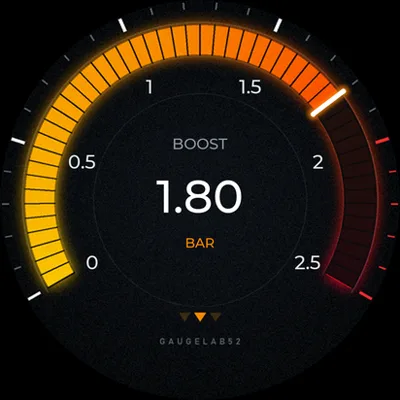
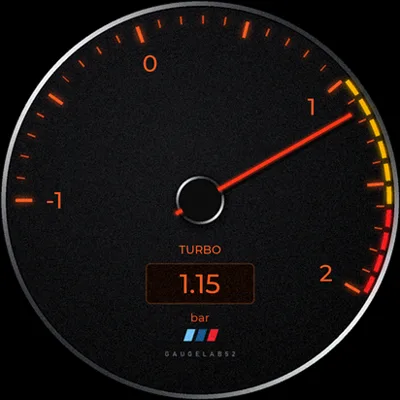
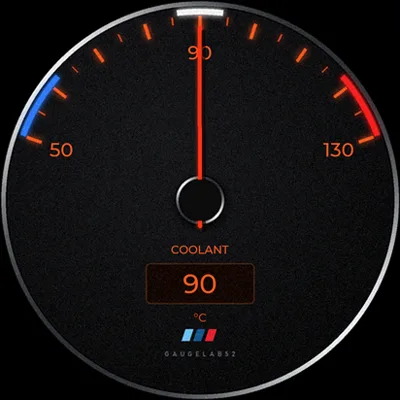
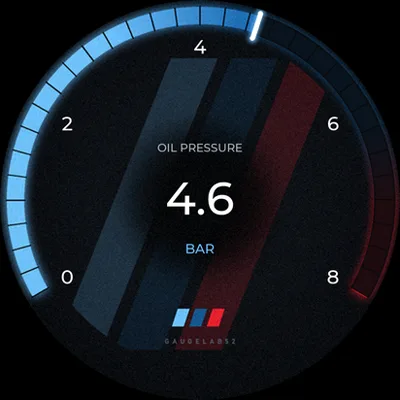
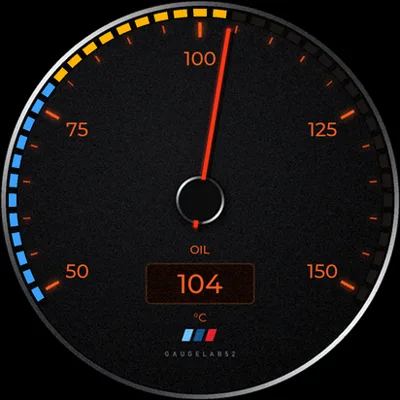
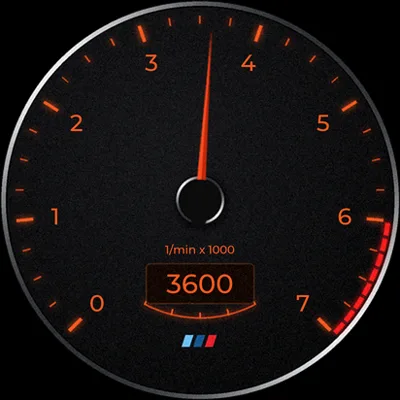
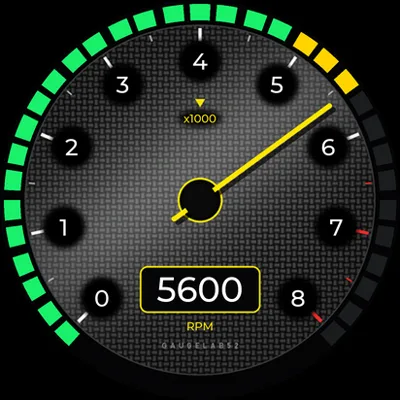
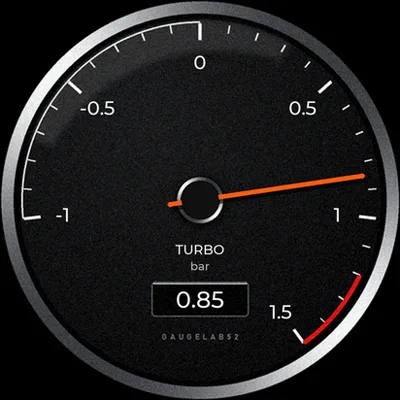
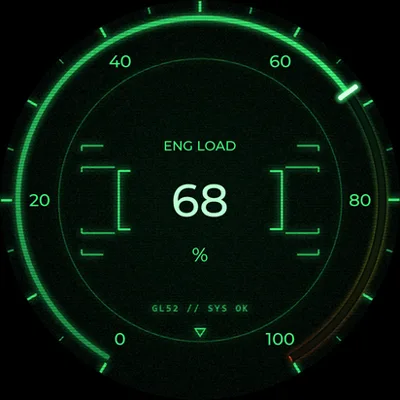
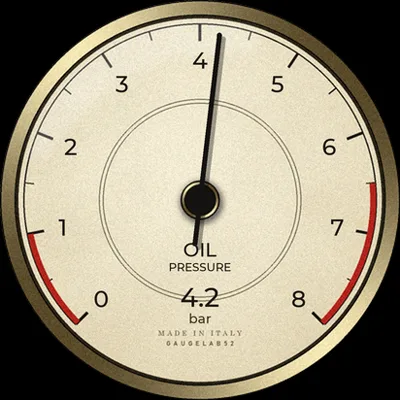
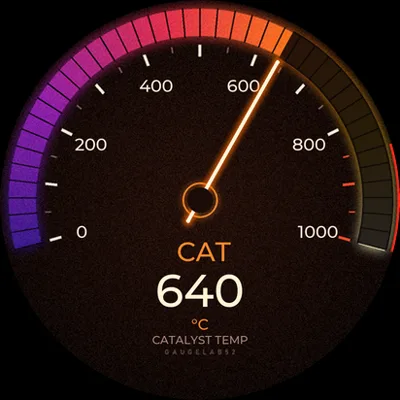
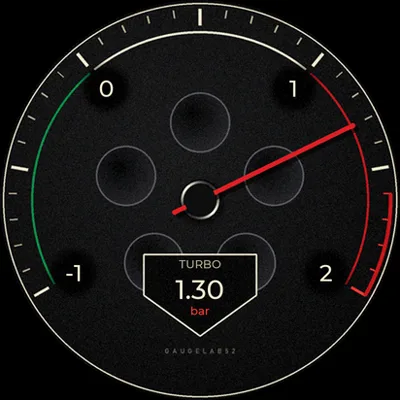
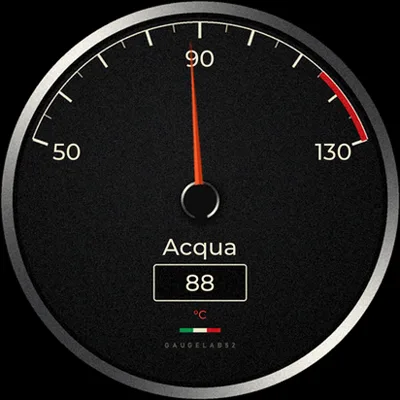
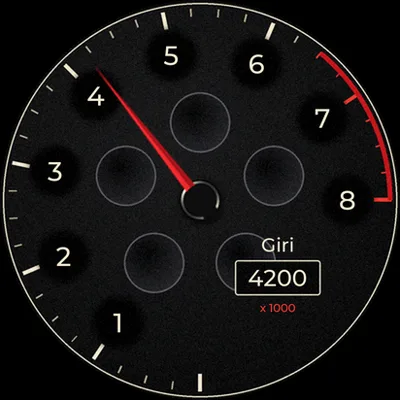
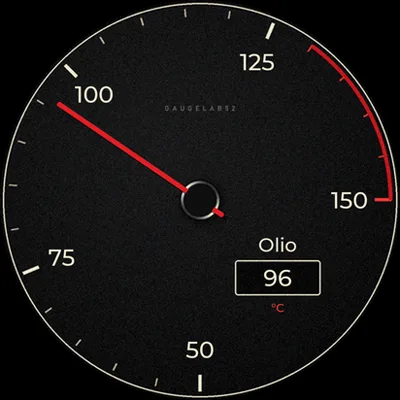
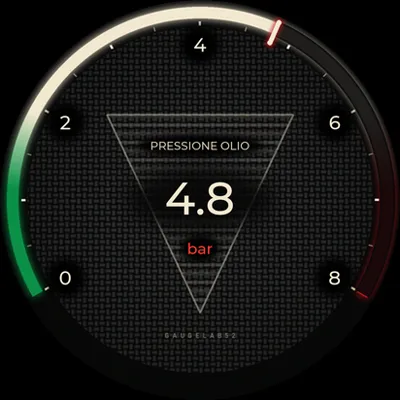
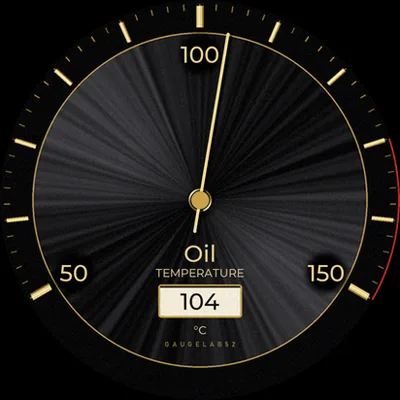
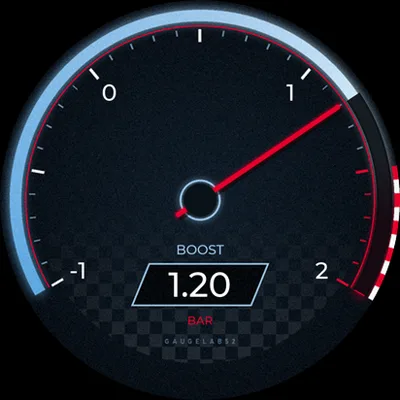
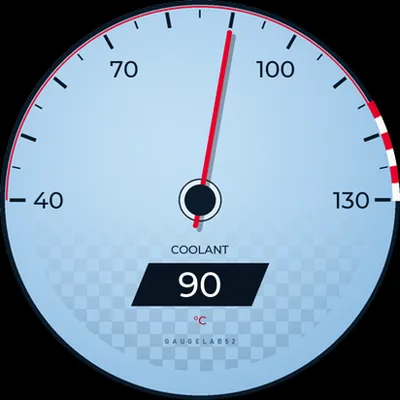
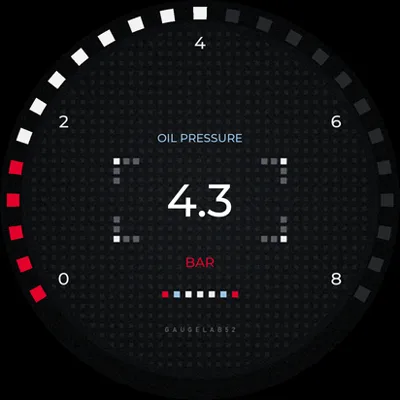
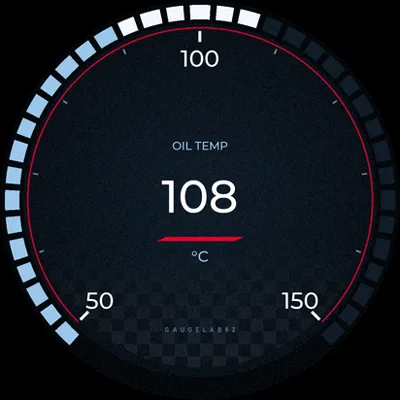
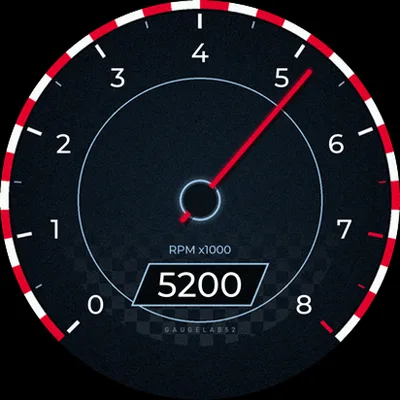
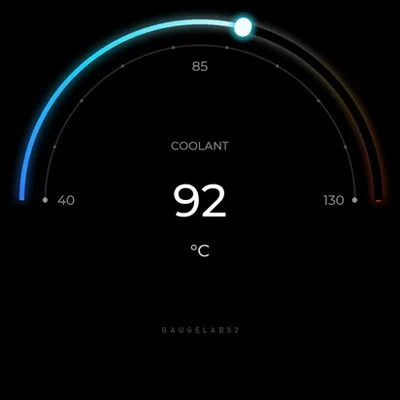
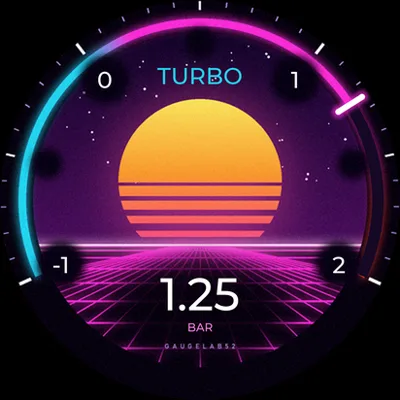
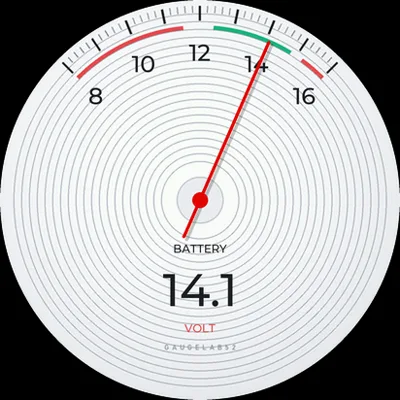
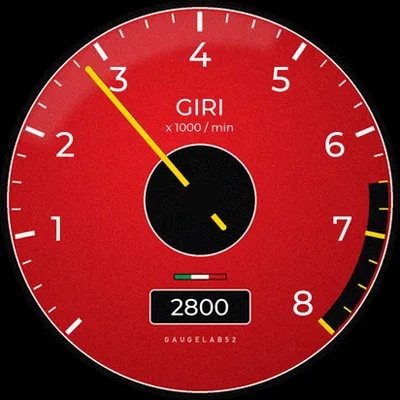
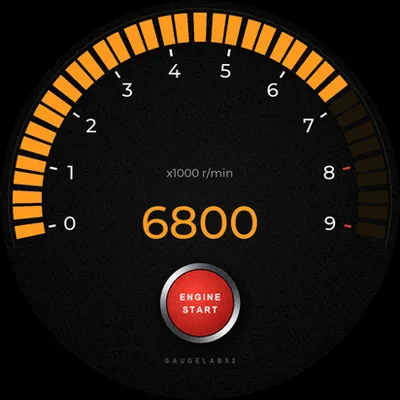
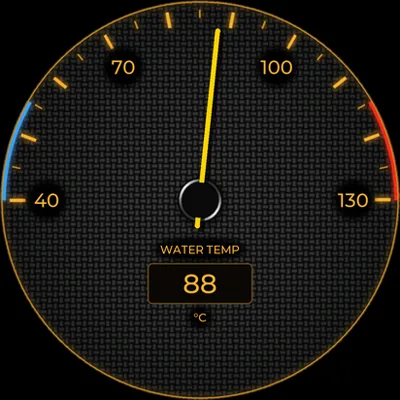
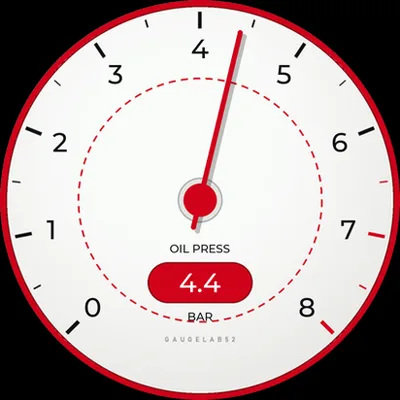
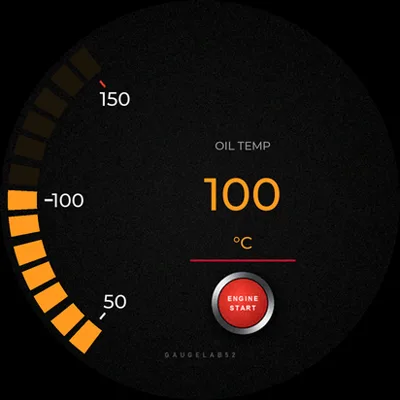
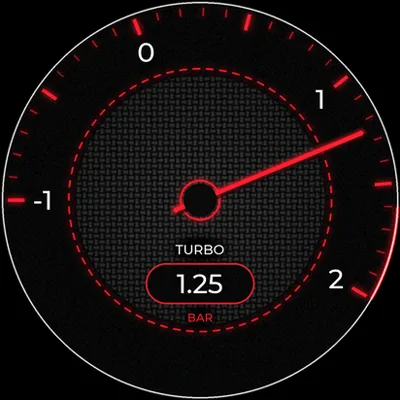
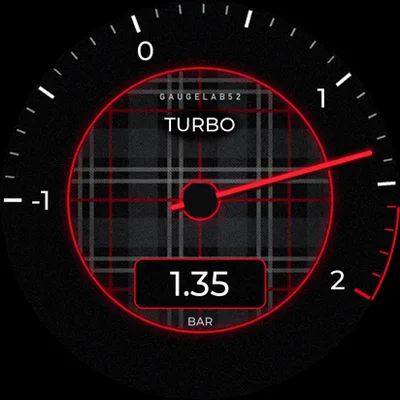
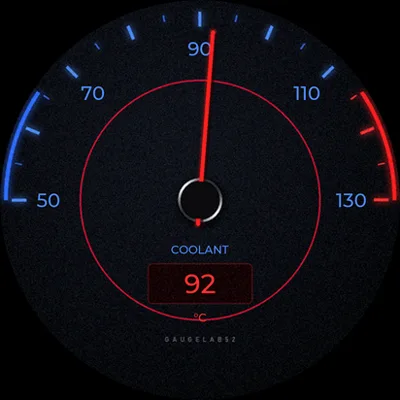
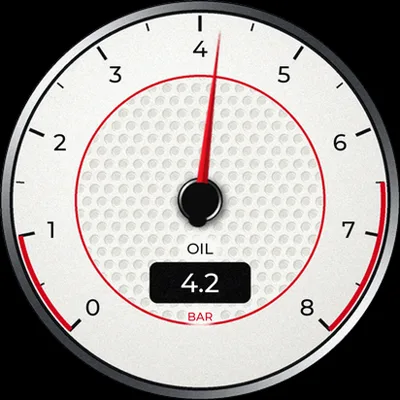
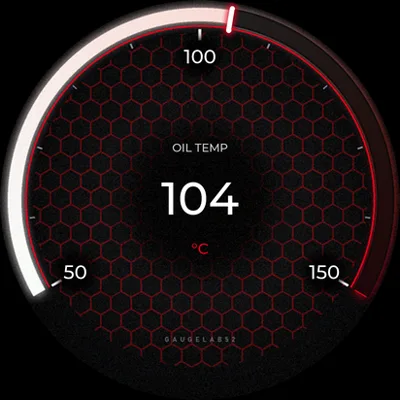
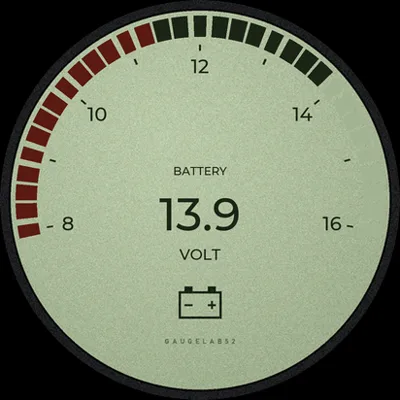
Customise everything, not just the colour
Start from a ready-made dial or from scratch: every detail is changed in the app, with the preview updating as you touch it.
dials ready in the app
The stock dial and 5 preset styles (Classic, Racing red, Rally yellow, Minimal light, Electric blue) to start from.
dials to download
With "Download dials" (Profiles › Library) you pick from the online library: the dial lands in your library, ready to edit and send.
GIF backgrounds that follow the value: the GIF frame changes with the sensor value. Coming with the next app and firmware update.
Your dial, in its housing
Pick a dial and see it on the real gauge. Hover the display to move the value, turn the gauge with the slider or by dragging it.
On a phone: tap the display to change the value, drag outside it to rotate.
From an empty circle to your dial
Scroll: each editor category adds a piece.
- 01Style
Start from a preset gauge: pick the look with one tap.
- 02Scale
Unit, minimum and maximum, arc width and coloured zones.
- 03Ticks
Size, colours and numbers: labels land on round values.
- 04Needle
Shape, colour, glow. The test slider moves it right away.
- 05Content
Background, texts and logos: the live value wherever you want.
- 06Alarm
Thresholds, flash and text: it warns you when it really matters.
Create your gauge in six moves
The whole Gauge Studio editor in just over a minute. Tap a chapter to jump to the category you care about.